Otter
AI meeting notes that turn recordings into searchable team knowledge.
Otter records meetings, lectures, interviews, and calls, then produces live transcripts, summaries, action items, and searchable conversation history. It can join calendar meetings automatically, record directly from desktop or mobile, and connect notes with tools such as Zoom, Google Meet, Slack, Salesforce, Google Drive, Dropbox, Claude, and ChatGPT workflows.
Why it stands out
- Offers several capture modes, including meeting bot, desktop recording, Chrome, mobile, and uploaded audio or video.
- Combines transcript storage with conversational search across past meetings and connected tools.
- Targets specific workflows beyond generic meeting notes, including sales calls, recruiting interviews, lectures, and media interviews.
- Includes enterprise-oriented controls and integrations for teams that need governance and compliance features.
- MCP Server support lets external AI chat tools draw on meeting knowledge rather than isolated transcripts.
Good to know
- Its usefulness depends on recording or uploading conversations, which may require participant consent depending on workplace policy or local law.
- AI-generated summaries, action items, and insights should be reviewed before treating them as official records.
- Advanced security, governance, and enterprise deployment features appear to be positioned for higher-tier team plans.
- Some workflow-specific agents, such as SDR and recruiting use cases, may be more relevant to business teams than individual note-takers.
Under the radar: If a meeting environment discourages visible notetaker bots, use Otter’s Mac or Windows desktop recorder to capture the conversation without adding an extra attendee to the call.
Photos
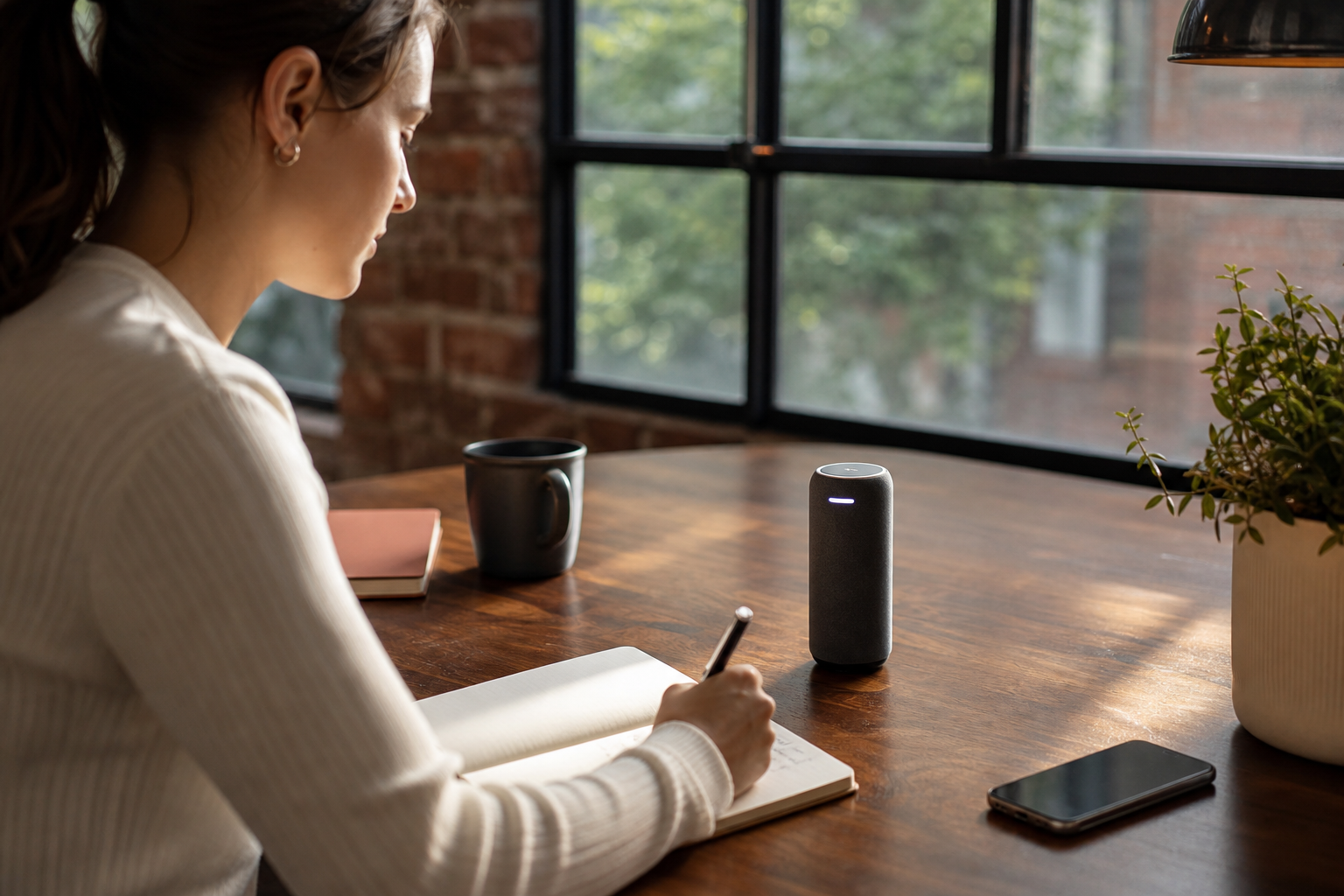
Sales, recruiting, education, and media teams can capture high-volume conversations and turn them into usable notes without assigning a human note-taker. Generate follow-up emails, CRM notes, and action items after customer calls. Record lectures or study discussions and search the transcript later for key concepts. Transcribe interviews and production meetings into quotable, organized source material. Group recurring meetings by team, project, or topic for shared reference.
Live transcription with speaker recognition, AI summaries, decisions, action items, meeting search, Otter AI Chat, Channels for organizing conversations, calendar-based meeting capture, desktop bot-free recording, mobile apps, Chrome extension, file upload transcription, and integrations with major meeting, storage, CRM, and collaboration tools.
Technical Notes
- Otter describes an MCP Server that allows supported AI chat tools such as ChatGPT and Claude to access meeting knowledge for analysis and workflow support.
Alternative listings
A retired browser-based captioning app now available as open source.
Accessibility & assistive technology resourcesWeb Captioner was a web speech-to-text captioning app created by frontend engineer Curt Grimes. The hosted project has been discontinued, but its source code was released publicly in 2023 for people who want to inspect, fork, or adapt it.
0 votesVisit siteBrowser-based speech-to-text for drafting in many languages.
Accessibility & assistive technology resourcesDictation.io is a free web dictation tool that converts speech into editable text in real time through Google Chrome. It supports a wide range of languages and lets users insert formatting, punctuation, and simple symbols with spoken commands.
0 votesVisit site
Similar sites elsewhere
- Fireflies.ai — fireflies.ai
- Fathom — fathom.video
- tl;dv — tldv.io
- Grain — grain.com
1 of 3