NV Access
Free, open-source screen-reading software for independent computer access.
NV Access is the nonprofit behind NVDA, a free screen reader for blind and vision-impaired computer users. The site provides downloads, user support links, training materials, certification, and information for organizations that need accessibility consulting or rollout help.
Why it stands out
- Core screen reader is free rather than priced like many commercial alternatives.
- Open-source project with public GitHub and ongoing release activity.
- Developed by an organization focused specifically on blind and vision-impaired users.
- Pairs software access with training, certification, and organizational deployment support.
- Long-running project with a large stated global user base.
Good to know
- Paid products such as training materials and certification are separate from the free screen reader.
- The site is centered on screen-reader access, not the full range of assistive technologies such as magnification hardware or mobility tools.
- New users may still need training or community support to use a screen reader effectively.
Photos
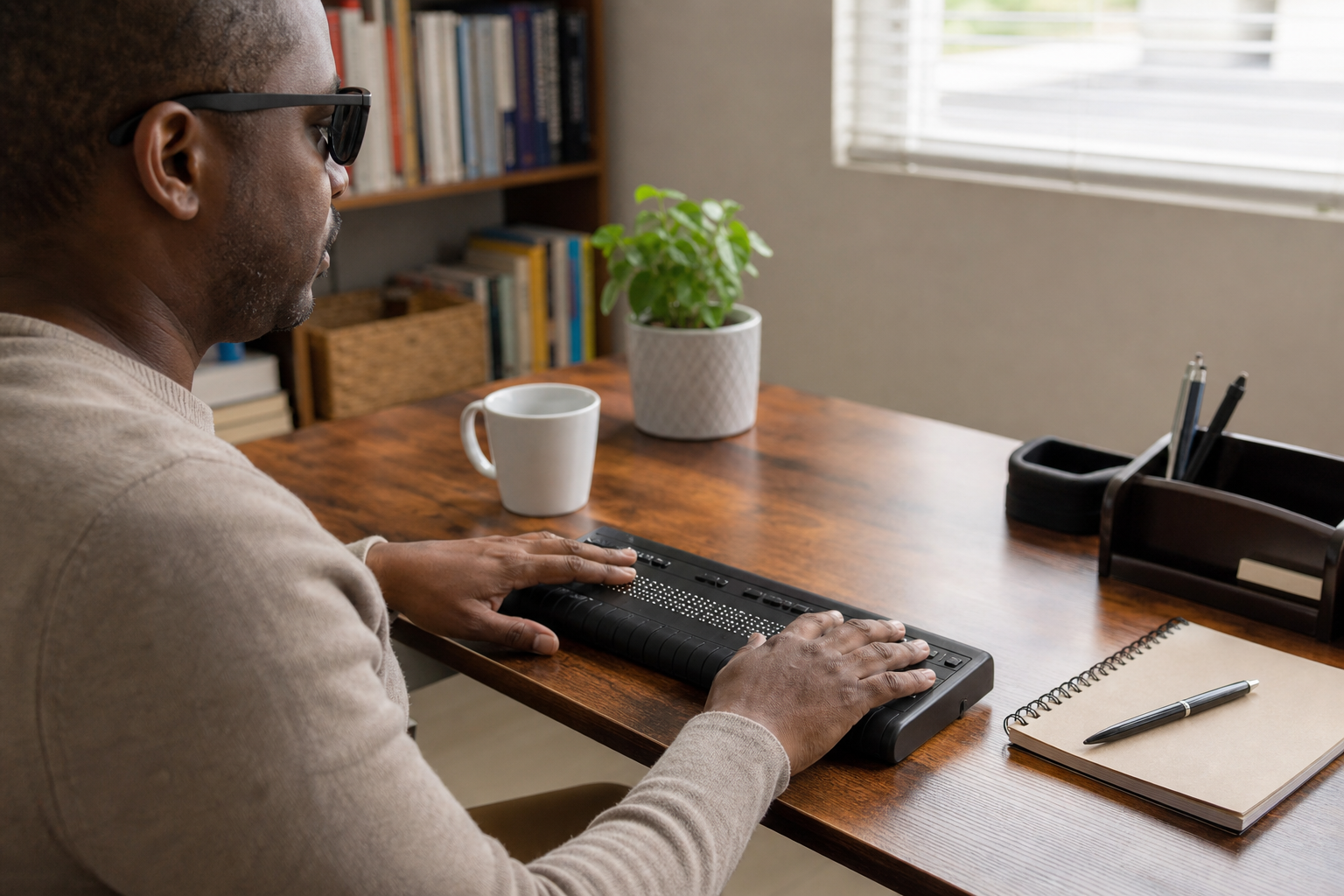
Blind and vision-impaired desktop users can get a capable screen reader without paying for commercial assistive software. Install NVDA on a new or shared computer to make visual interface content available through speech. Find training materials or certification options for improving NVDA skills. Plan a workplace, school, or government deployment with procurement and consulting information. Follow release news and beta updates for upcoming NVDA versions.
NVDA screen reader download, open-source development links, help and community resources, training ebooks and bundles, expert certification, corporate/government rollout information, accessibility consulting services, newsletter and release updates.
No similar listings found yet.
Similar sites elsewhere
- JAWS — freedomscientific.com/products/software/jaws
- Dolphin ScreenReader — yourdolphin.com/ScreenReader
- Orca Screen Reader — help.gnome.org/users/orca
- Microsoft Narrator — support.microsoft.com/windows/narrator
1 of 3