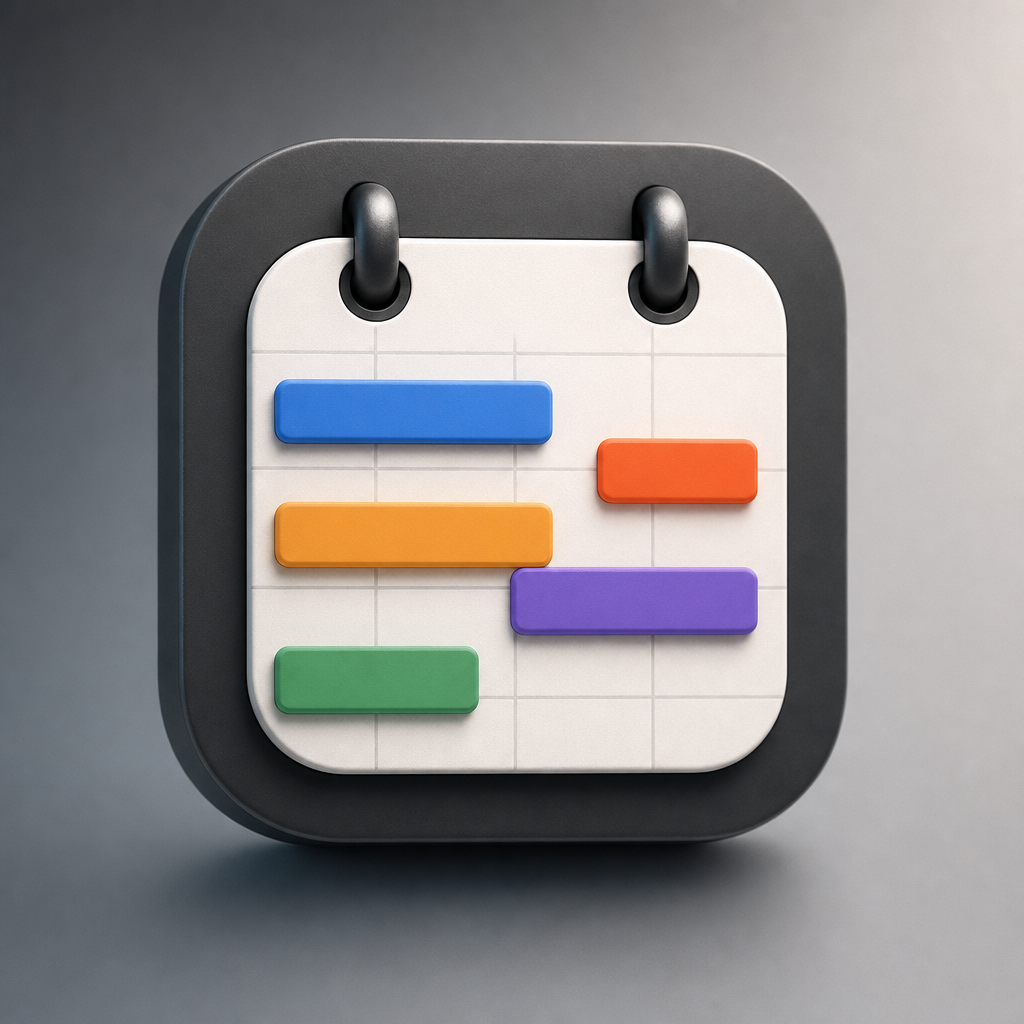
Notion Calendar
A calendar app that ties schedules, meetings, and Notion work together.
Notion Calendar is a scheduling app for viewing personal events, work meetings, and Notion database dates in one timeline. It supports multiple calendars, scheduling links, meeting joins, time-zone views, and direct edits to Notion timeline items from the calendar interface.
Why it stands out
- Shows Notion deadlines and project timelines next to regular calendar events, rather than treating work tracking and scheduling as separate systems.
- Can update Notion database items by dragging them in the calendar, reducing the need to open the full workspace for simple timeline changes.
- Combines multiple work and personal calendars with busy-slot blocking to reduce double booking.
- Includes scheduling-link functionality inside the calendar product, so users may not need a separate booking app.
- Desktop menu-bar meeting access is aimed at fast joins without breaking focus.
Good to know
- Calendar provider support is limited to Google Calendar, Outlook Calendar, and Apple iCloud-synced calendars.
- Google Calendar events can be viewed with Notion-related dates, but they cannot yet be imported directly into a Notion database.
- The page notes that an optimized tablet experience, such as for iPad, is still being worked on.
- The Notion-specific workflow benefits are most relevant to people already using a Notion workspace.
Photos

Notion-based teams and freelancers can coordinate meetings, deadlines, and project timelines without switching between a calendar and workspace. Check work and personal calendars together to avoid overlapping commitments. Send availability links so other people can book time without a separate scheduling tool. Join video meetings quickly from the desktop menu bar. Plan with distributed teammates by viewing the day across multiple time zones.
Calendar sync for Google Calendar, Outlook Calendar, and Apple iCloud-synced calendars; Notion database dates shown alongside events; scheduling links and availability sharing; meeting support for Google Meet, Zoom, Apple Calendar meetings, and custom conferencing links; drag-and-drop updates for Notion timeline items; desktop apps for macOS and Windows; mobile apps for iPhone and Android with widgets; command menu, shortcuts, and support for 12 languages.
Alternative listings
A polished task manager for personal plans and team projects.
Productivity, organization & note-taking toolsTodoist is a task-management app for capturing, organizing, scheduling, and tracking work across personal and shared projects. It supports quick task entry, recurring due dates, custom views, templates, team spaces, and integrations for users who want a structured but lightweight planning system.
0 votesVisit siteA cross-device planner combining tasks, calendars, habits, and focus timers.
Productivity, organization & note-taking toolsTickTick is a productivity app for managing to-do lists, schedules, recurring reminders, habits, and focused work sessions in one place. It supports multiple calendar views, shared task lists, priority filters, natural-language date entry, and syncing across phones, computers, tablets, and watches.
0 votesVisit site
Similar sites elsewhere
- Google Calendar — calendar.google.com
- Fantastical — flexibits.com/fantastical
- Calendly — calendly.com
- Reclaim.ai — reclaim.ai
1 of 4